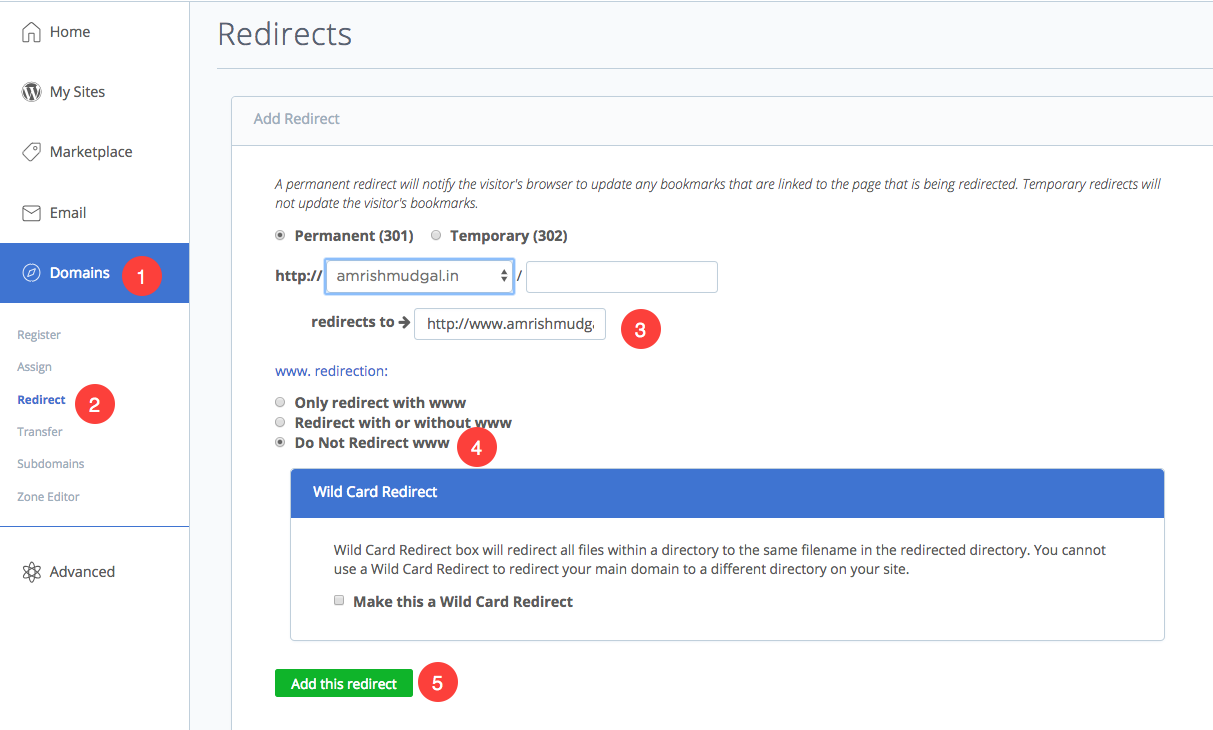
To connect your domain name registered on Bluehost, follow these steps:
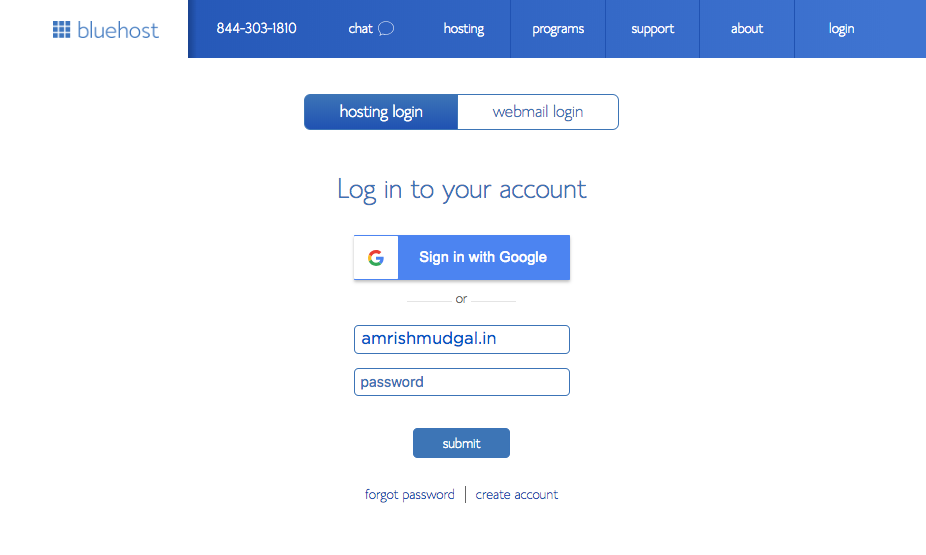
1. Go to Bluehost website and click on Login button on right top. Enter your username and password to signin in your account.
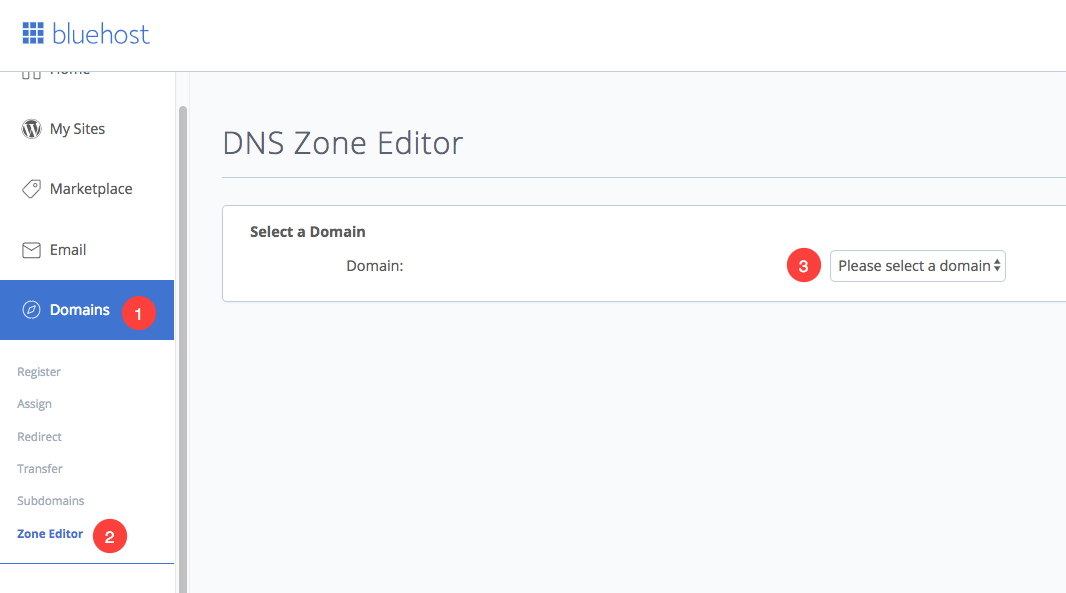
2. Click on Zone editor tab under Domain section. You would see all your purchased domains here. Now find your domain that you want to connect Pixpa website and select.
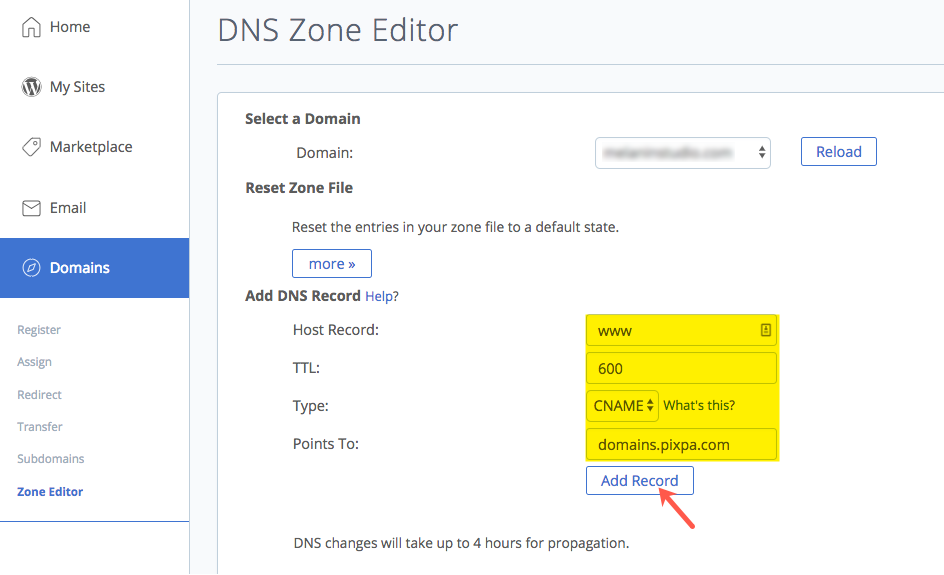
3. Here you would see all the DNS records. You need to create a www CNAME record.
Enter www (as Host Record), 600 (as TTL), CNAME (as Type), domains.pixpa.com (as Points to) and click on Add Record tab.