
Follow the steps below to confirm vehicles included in syndication:
- Open your website. (https://www.yourwebsiteurl.com/)
- Go to the inventory page. (https://www.yourwebsiteurl.com/inventory)
- Click on the vehicle you want to share on the FB.
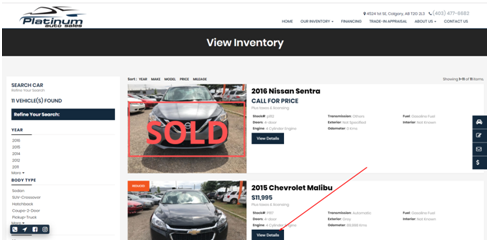
- On the vehicle detail page click on the Facebook icon.
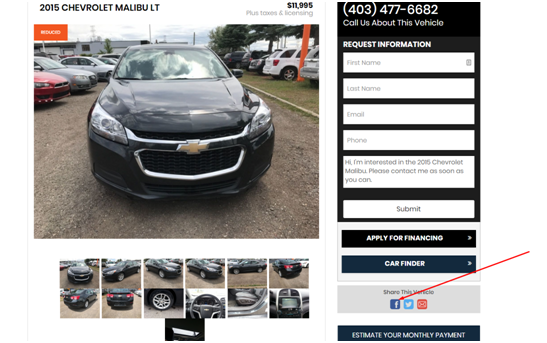
- After you click on the Facebook icon.
-
- Facebook will open in a new tab.
- If you are not logged in please login into your Facebook page.
- If you are logged in you will see the screen below.
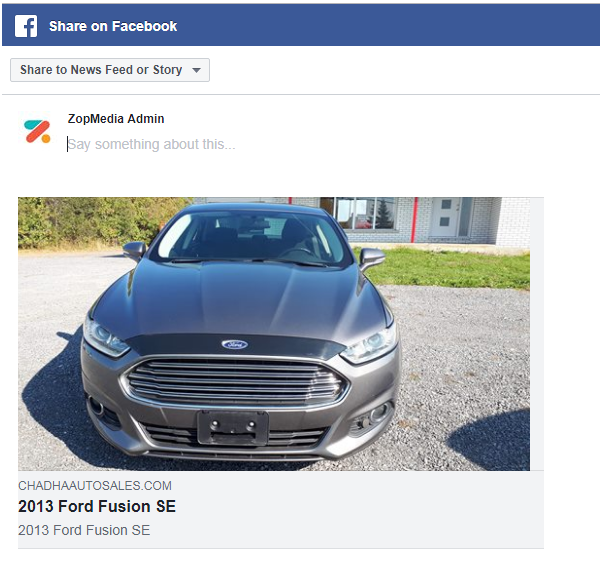
- Write something about the vehicle before you post it.
- After putting the description click on the “Post to Facebook” button.
-